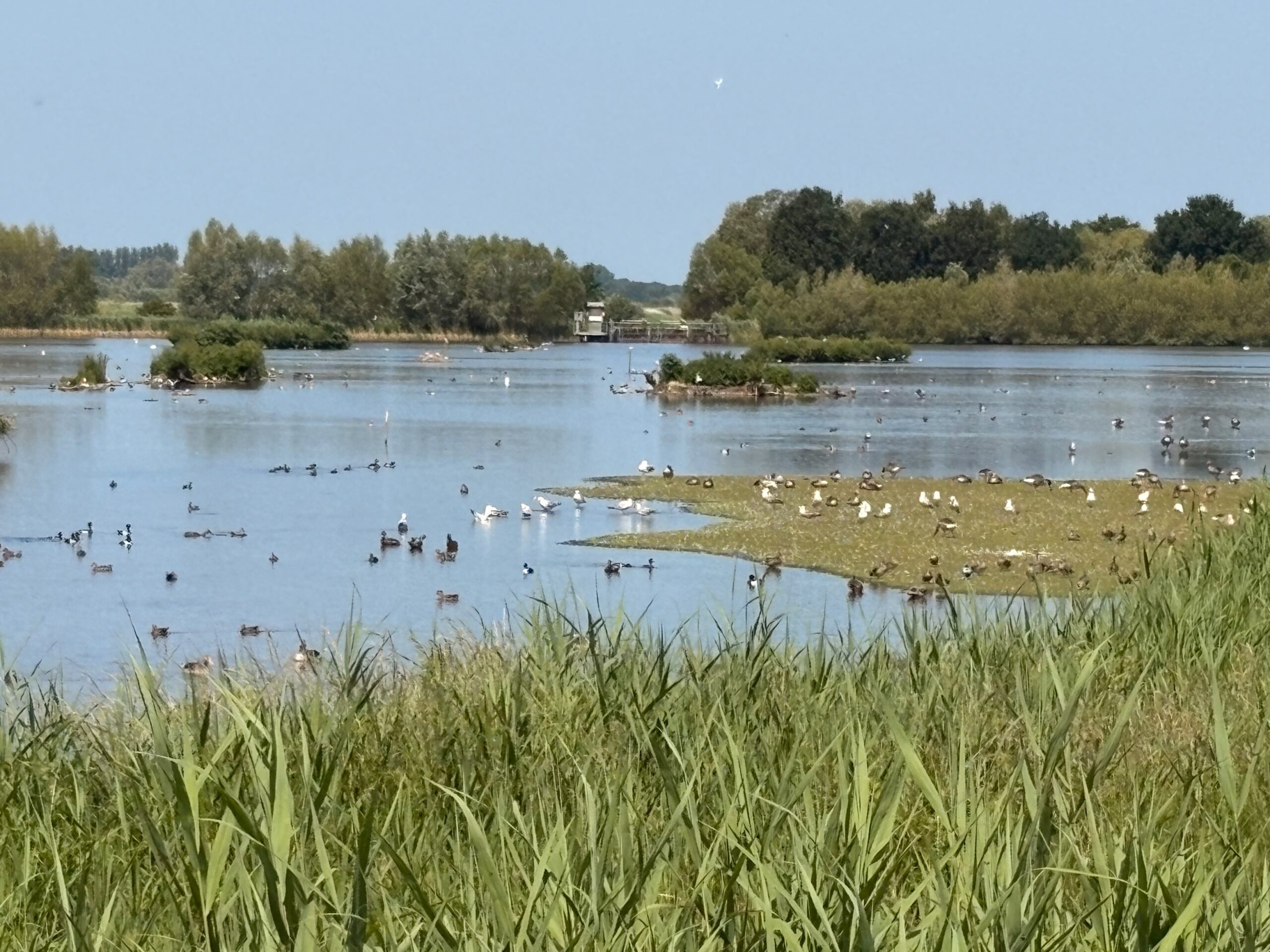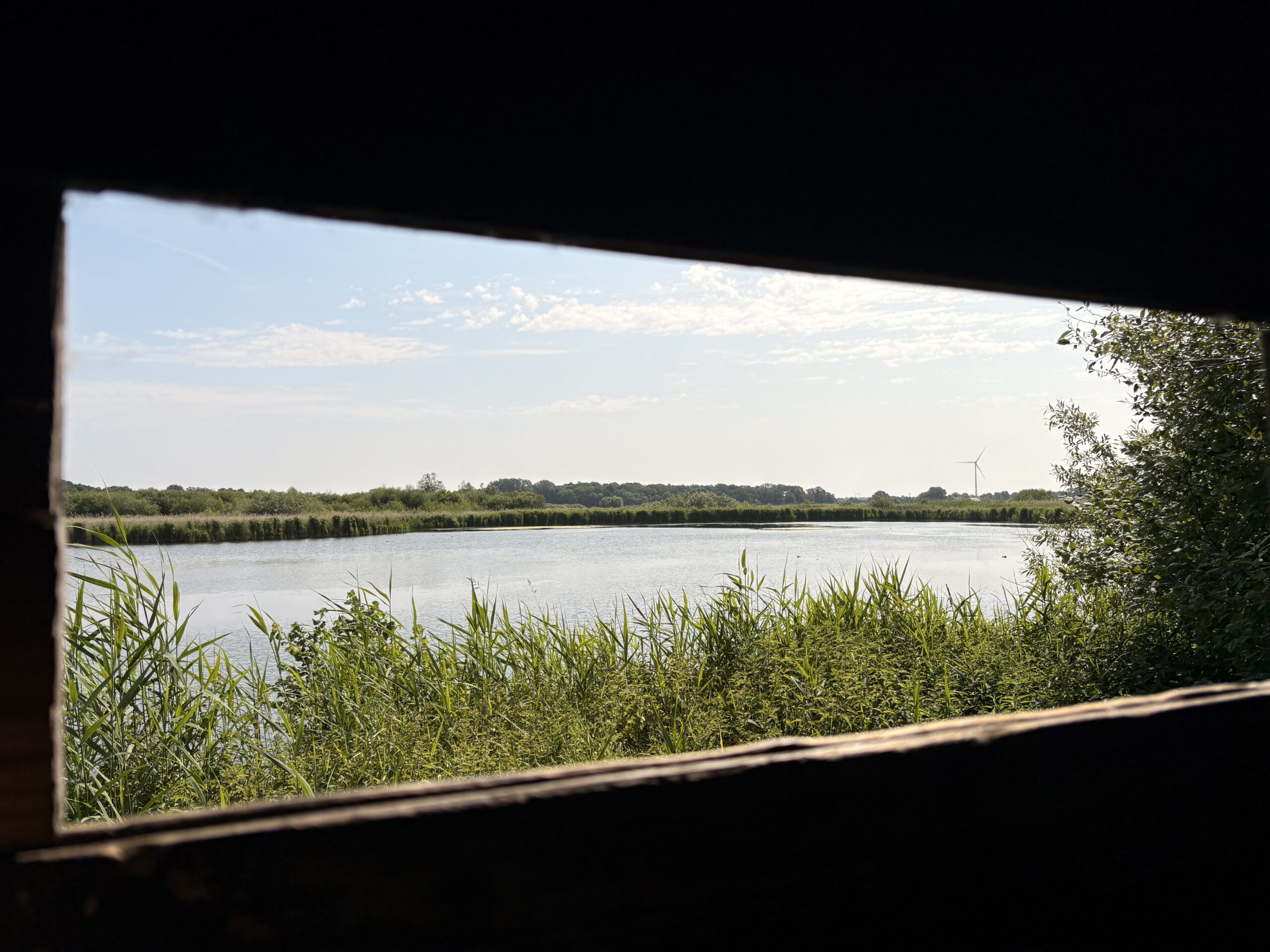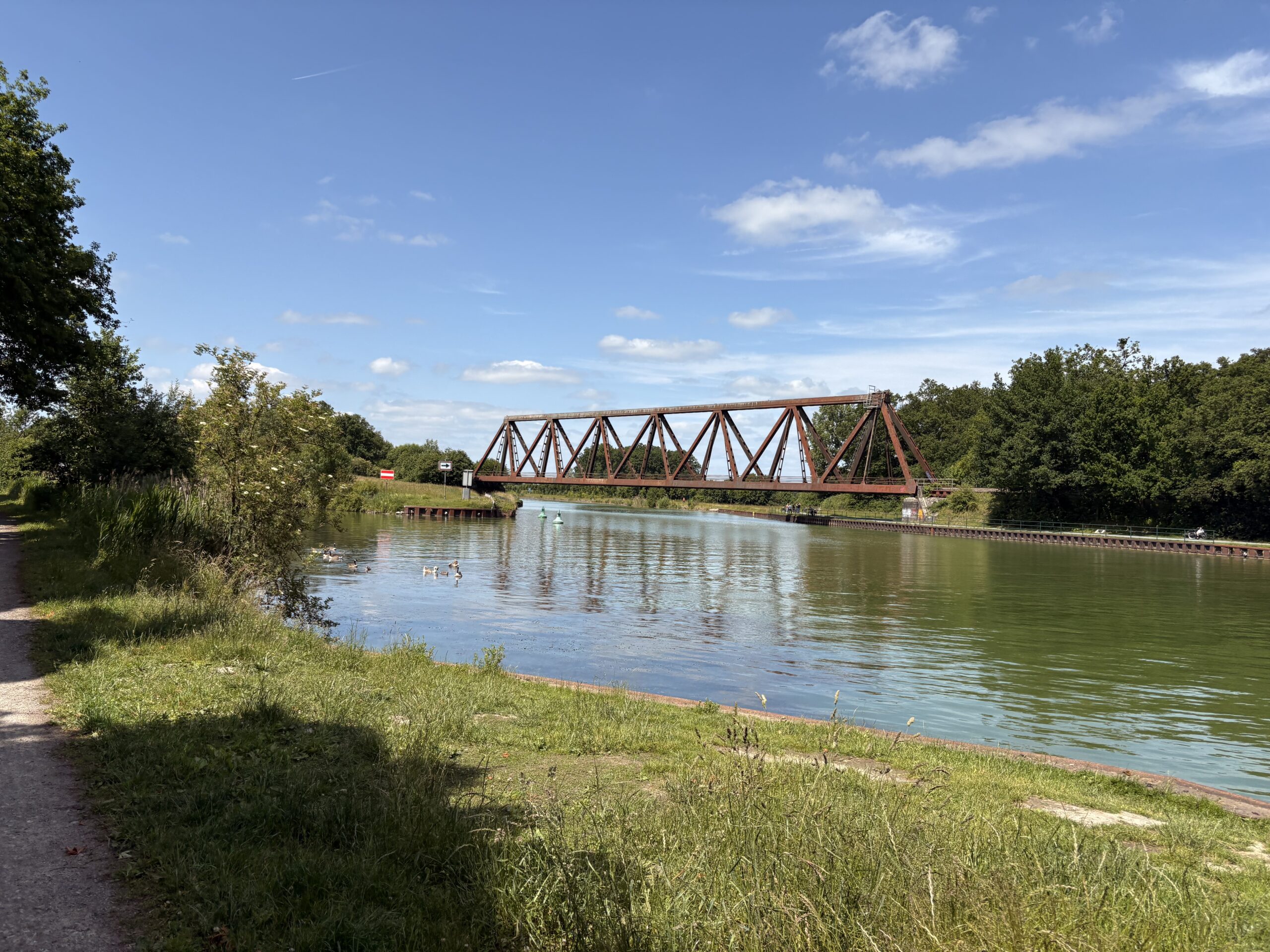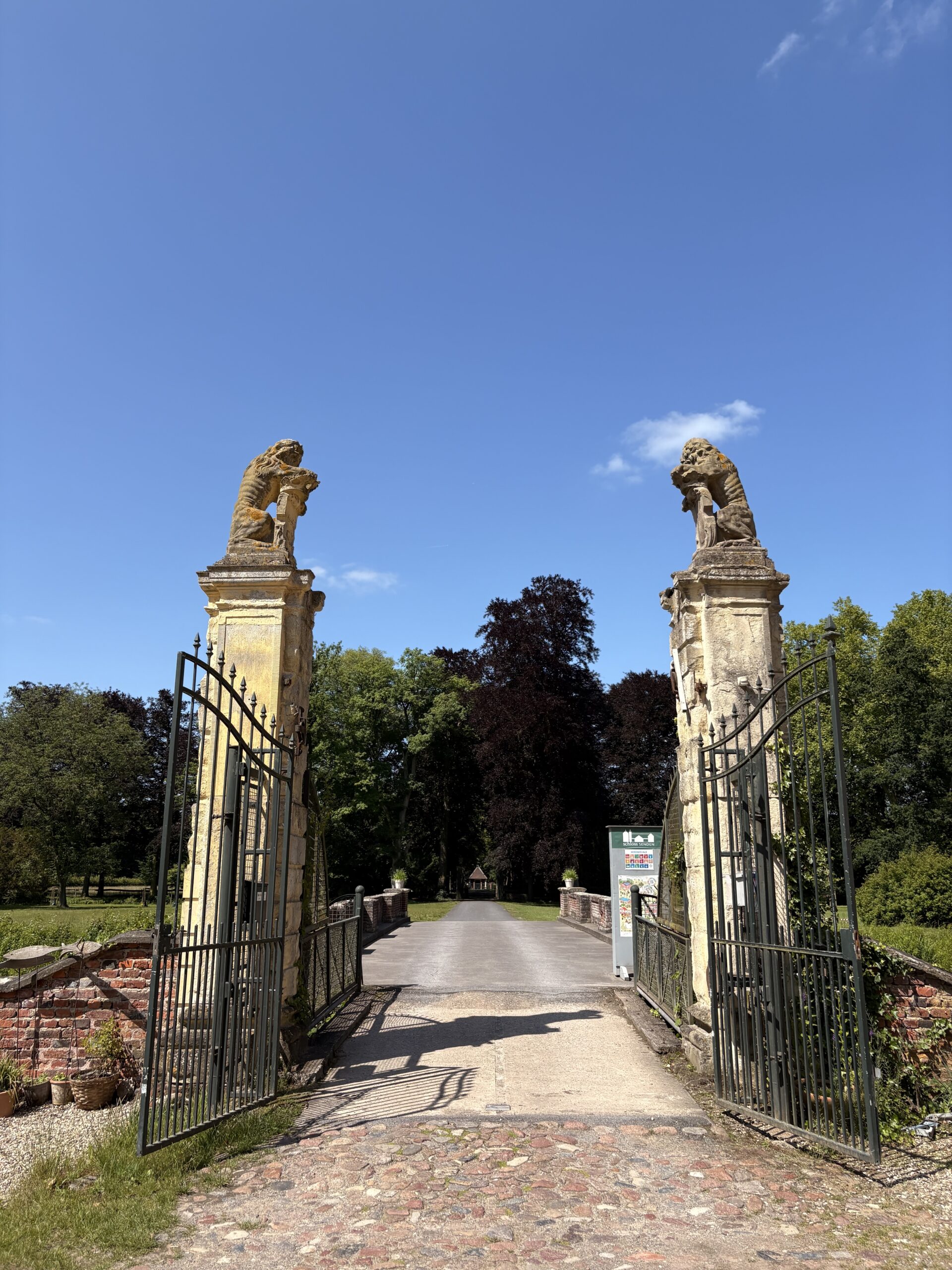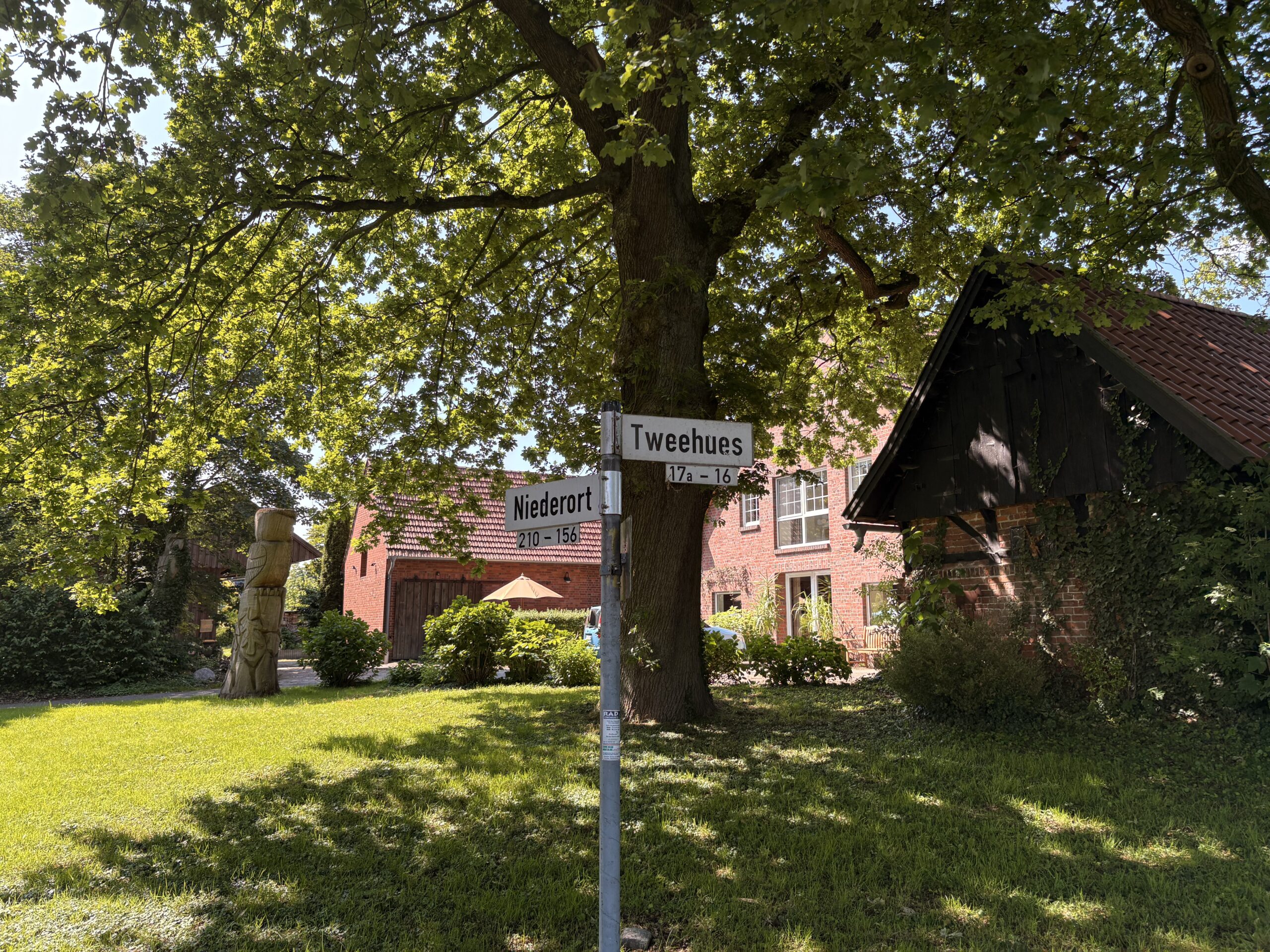

Aujourd’hui, je suis allé à la découverte du lac Aasee que j’ai croisé hier sur ma route.
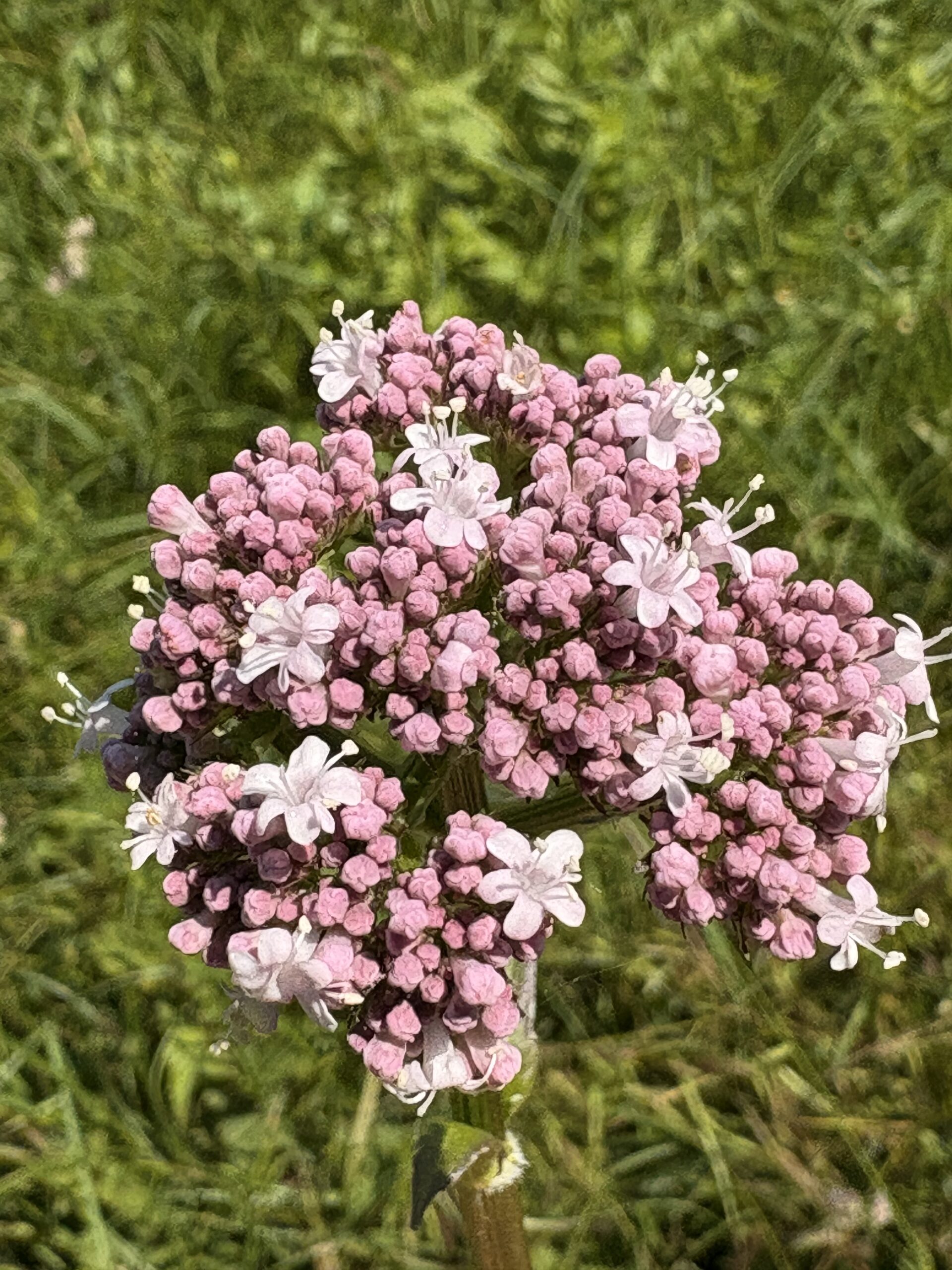
En voyant les angéliques sur le bord du lac, j’ai eu envie de dessiner. Je débute encore en dessin, mais j’aime bien ce premier essai.

Aujourd’hui, je suis allé à la découverte du lac Aasee que j’ai croisé hier sur ma route.
En voyant les angéliques sur le bord du lac, j’ai eu envie de dessiner. Je débute encore en dessin, mais j’aime bien ce premier essai.

J’ai décidé de prendre le temps. Le travail, la vie de famille, une maison, des activités, etc. font partie de ma vie quotidienne, et il arrive souvent que l’on se laisse emporter par le tumulte des flots sans arriver à aller dans la direction que l’on souhaite. On navigue alors pour éviter de s’échoir.
Chi va piano, va sano e lontano.
Celui qui sait prendre le temps ira sûrement et longtemps, dit un dicton. C’est pourquoi j’ai décidé de partir pour un court voyage de trois jours à Münster en Rhénanie-du-Nord-Westphalie. Trois jours pour penser, dessiner, écrire et découvrir.
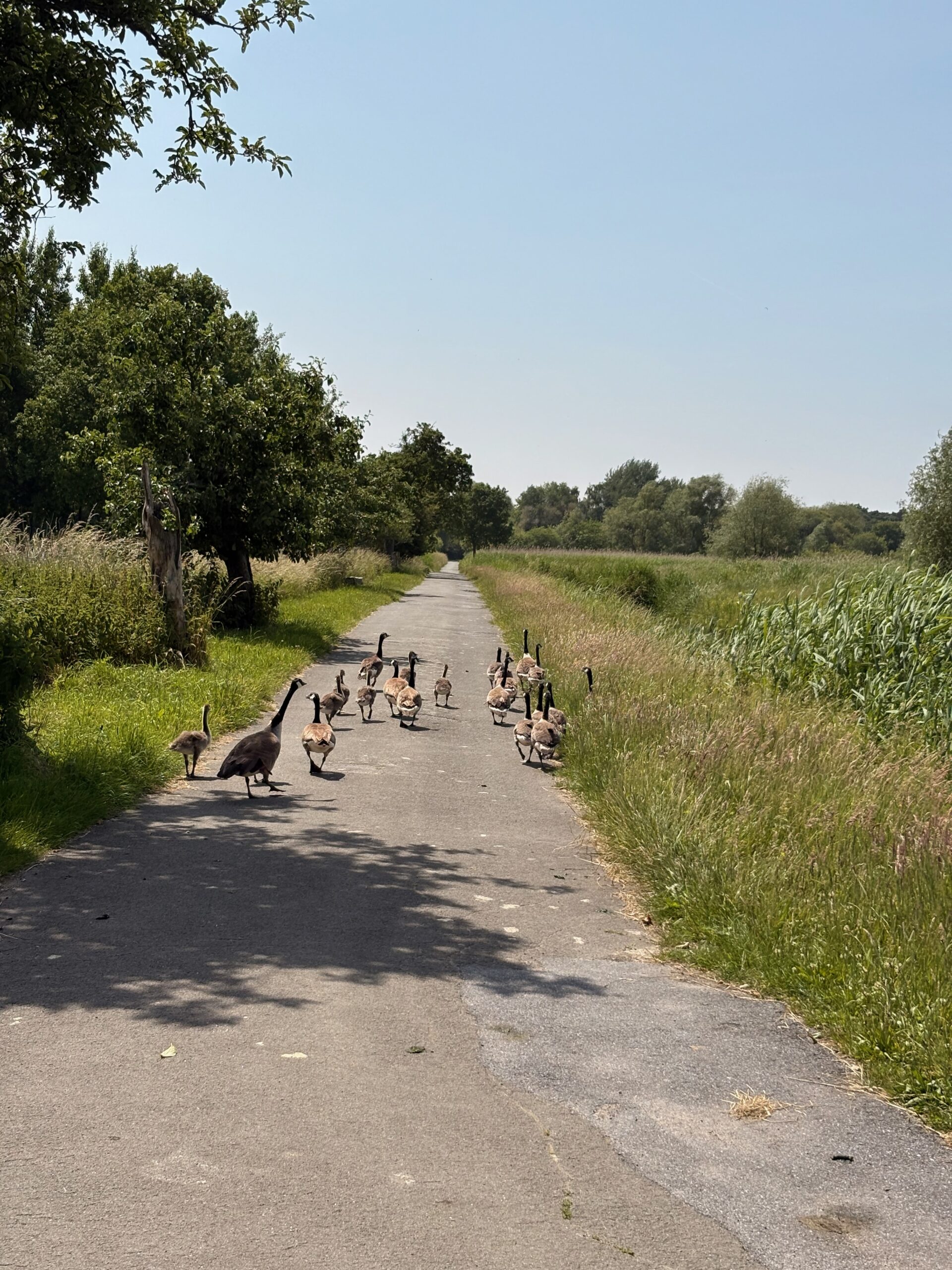
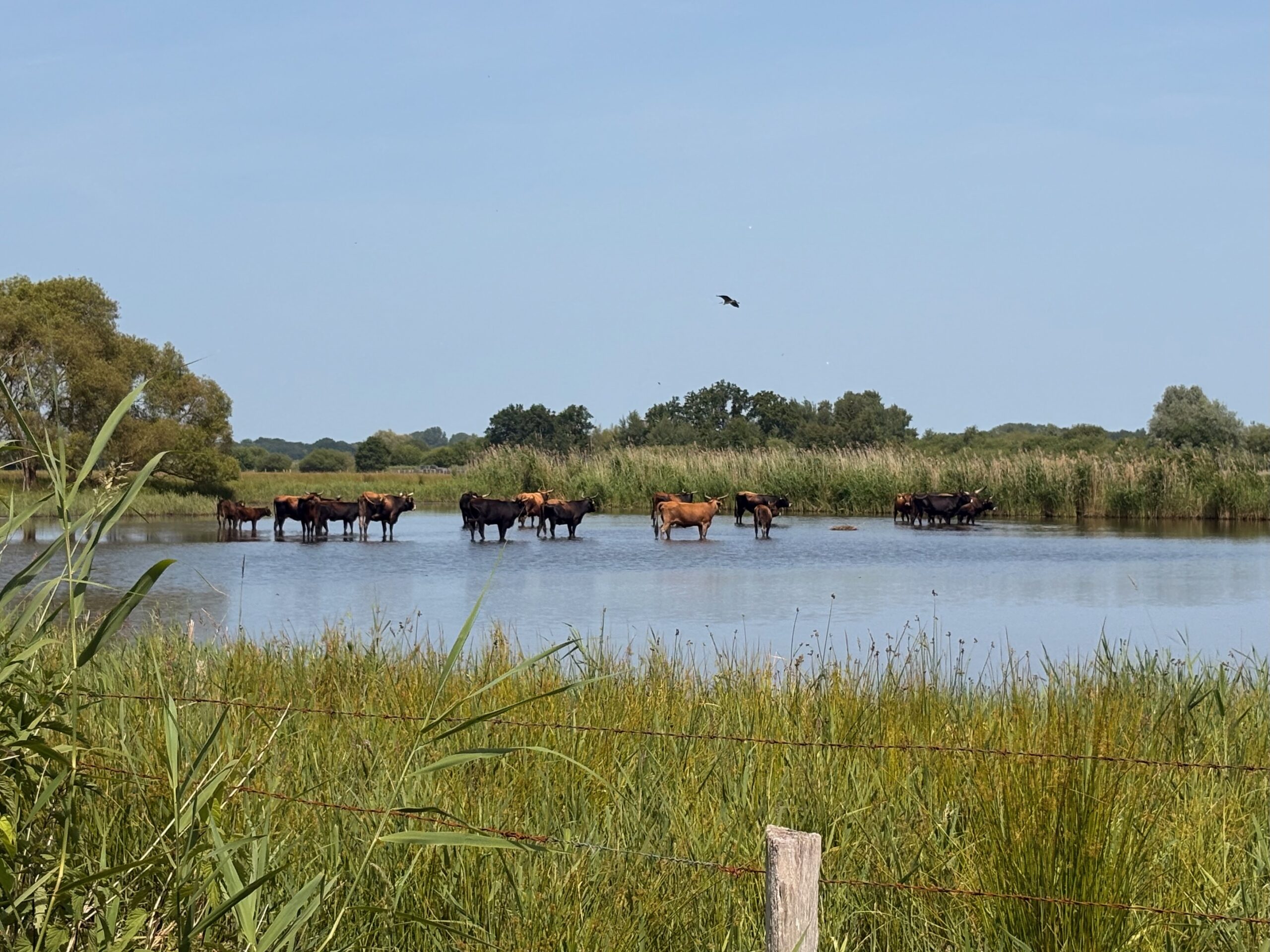
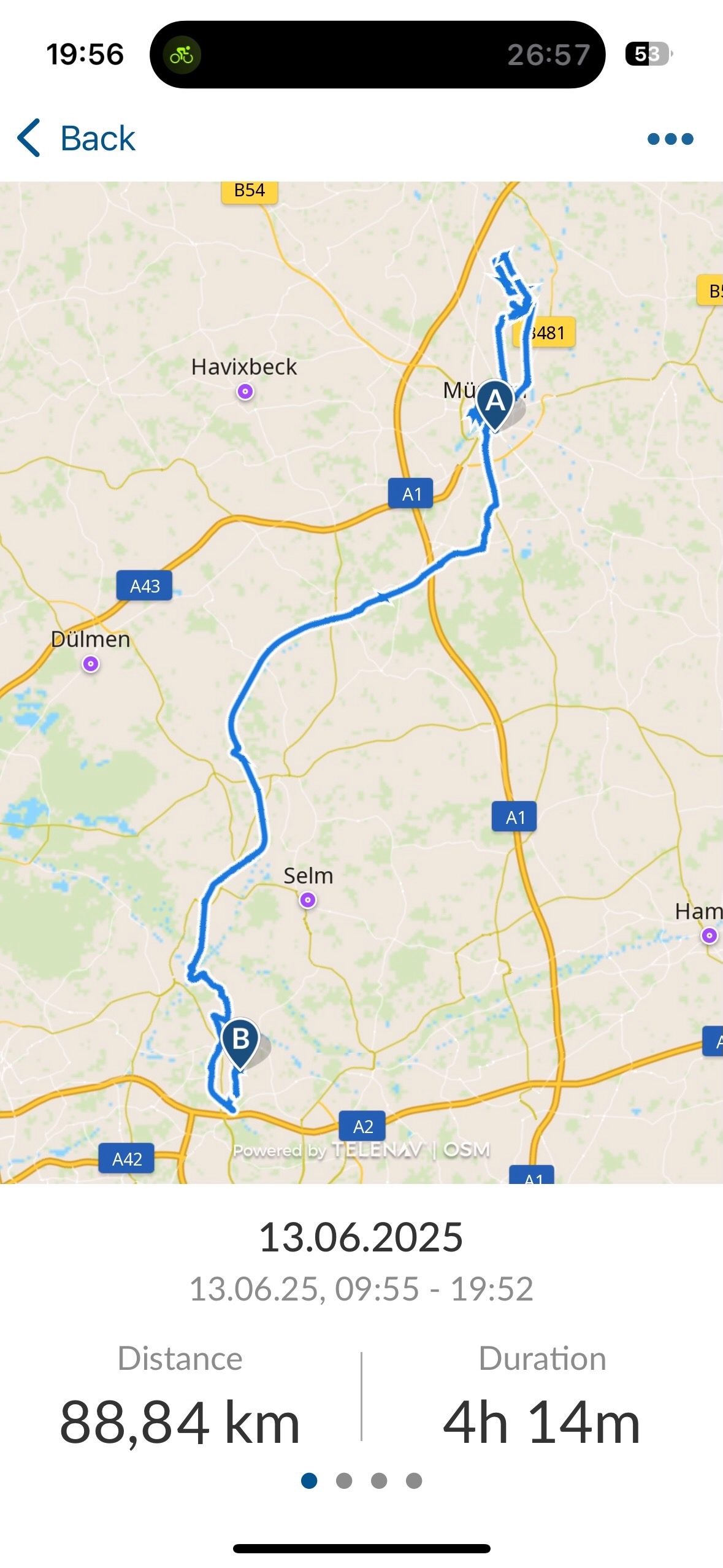
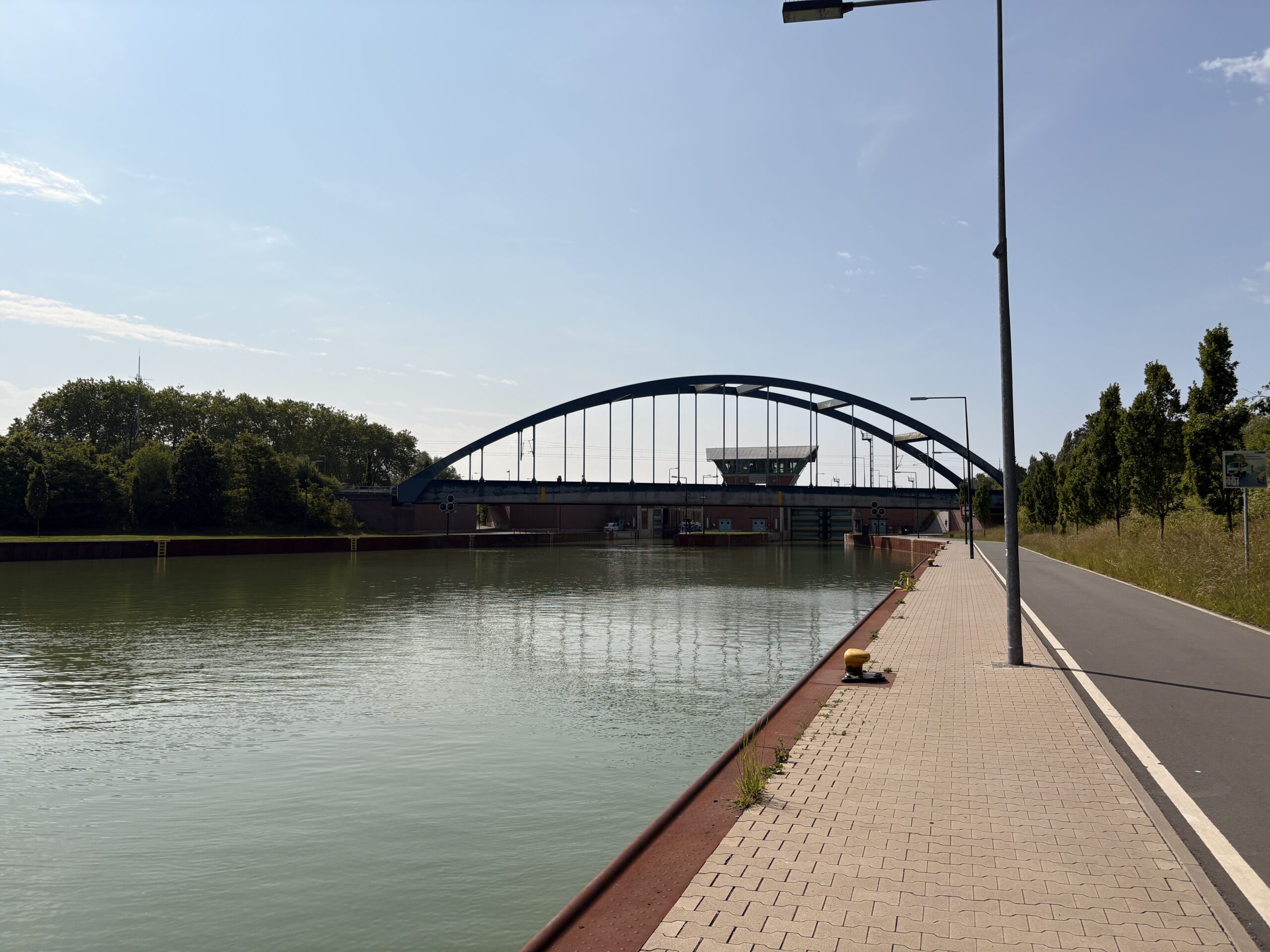
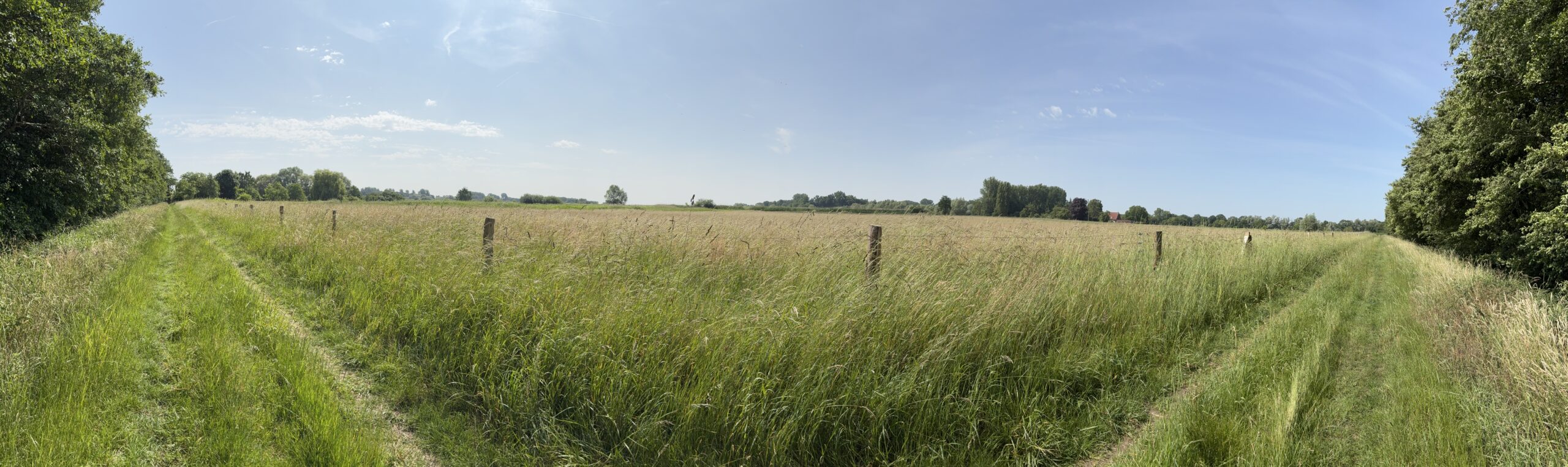
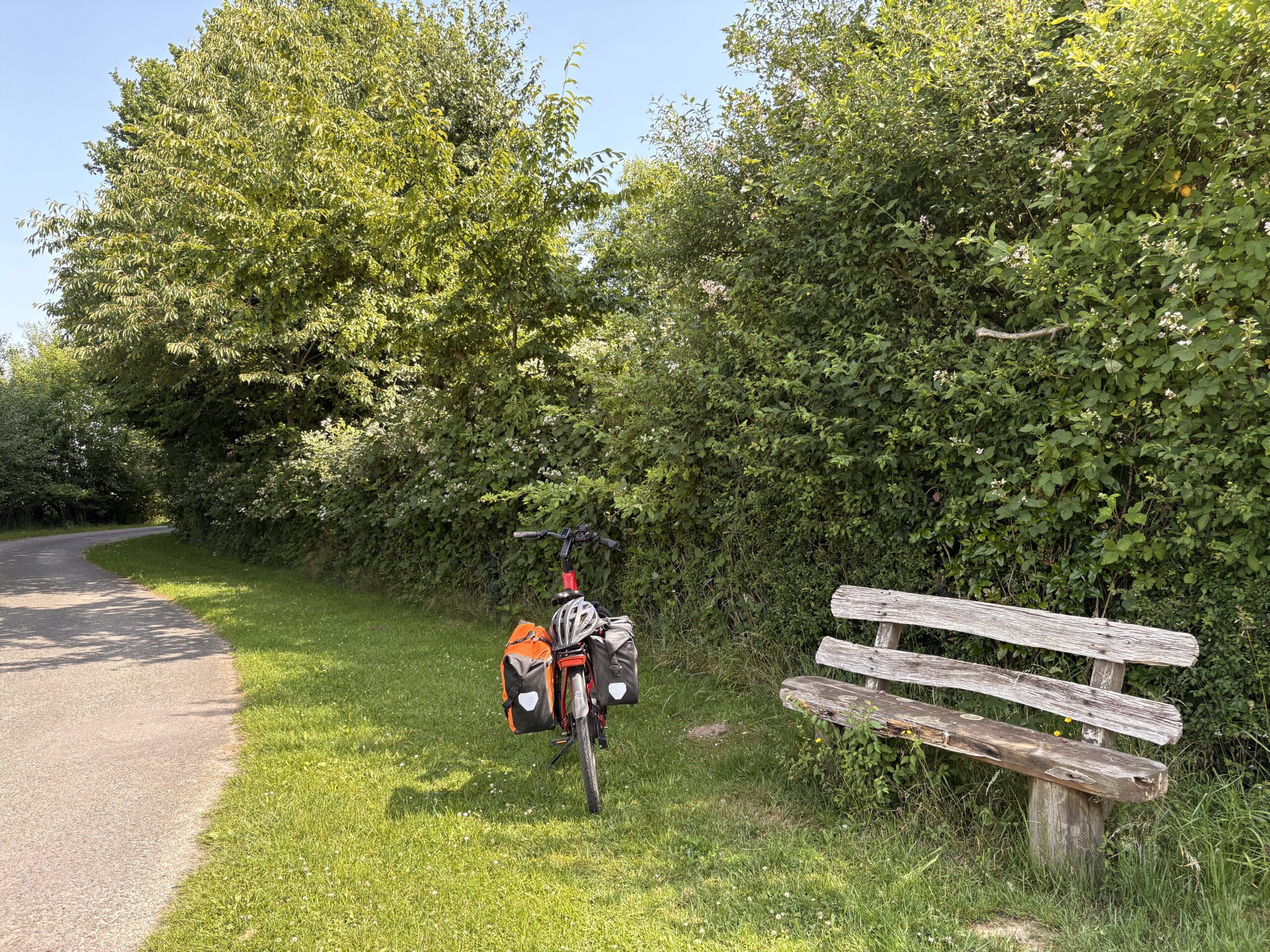
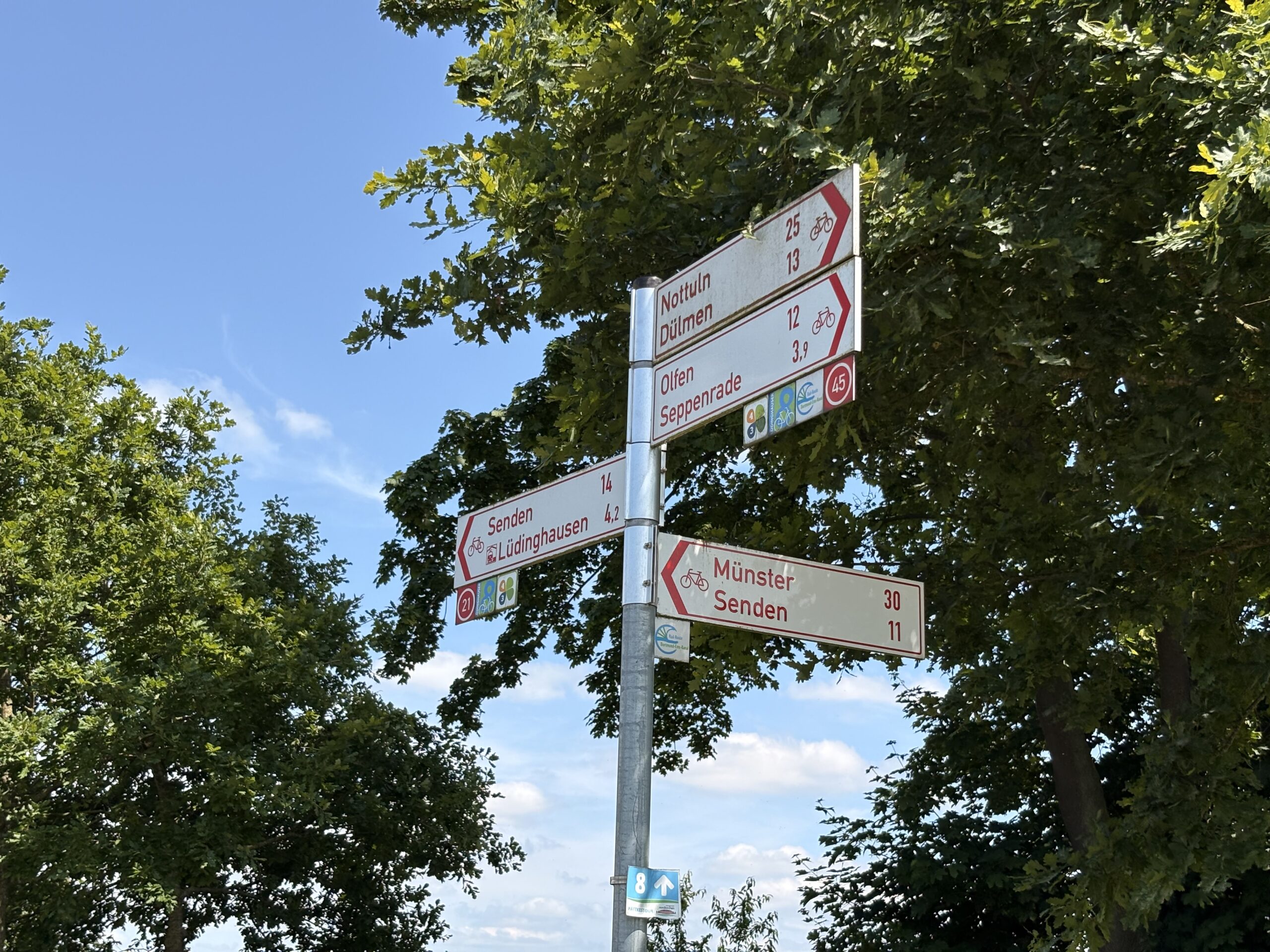
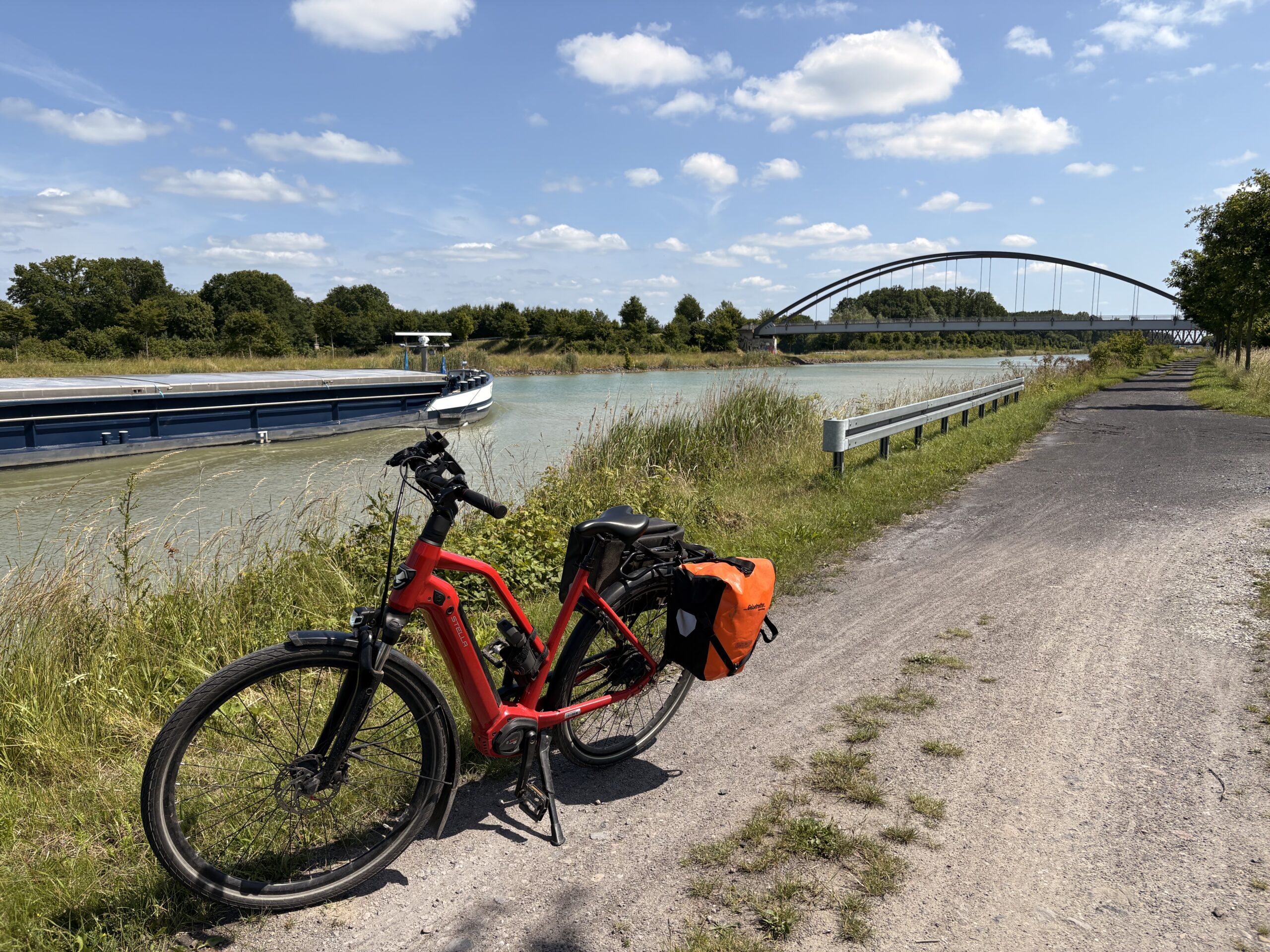
Bien sûr, je n’ai pas pris la voiture pour venir ici, mais bien évidemment le vélo. Soixante-deux kilomètres le long de canaux, de forêts et de champs. J’ai eu de la chance, car il faisait parfaitement beau, avec un petit 20 °C, ce qui est idéal pour le vélo.
Voici une petite galerie de photos le long de la route.


I am at a new crossroad in my life where I am aspiring to take a new direction. I am still passionate and eager to learn about new technologies, programming, etc. But I have other interests, some old some new, which I want to explore and maybe share.
I have started to learn about calligraphy and even if I am at the very beginning and just exercising, it is reviving some older and buried activities such as writing. I usually write in French, my mother tongue. So there might be more French posts in the future here.
I am not yet sure if I will write regularly. And perhaps, I don’t want to publish anything. It’s more for myself than for anyone.
As for the thoughts, I am appalled by the current situations where intolerance, racism, stupidity and egoism are growing. I am for more diversity in our society, culture, workplace and life; we don’t have a planet B, we need to protect it; I want more tolerance, the fact that we are all so different, think different is just amazing and interesting, we should be opened to others whatever their looks, beliefs or choices. I stopped using Twitter when it was acquired by this mad man and after the election in the US last year, I deleted my account. I have been demonstrating last year and this year for more diversity and tolerance, and will continue doing this. I am passing on these values to my kids.

Two years ago I was publishing a post to build docker-compose on an ARM machine. Nowadays, you can find docker-compose on PyPI. However, if you intent to run docker-compose on a platform without Python dependencies, you might still be interested in my guide which generates an ELF binary executable.
My previous guide has worked well until release 1.22.0 after which the Dockerfile.armhf (which was merged) has been upgraded to match the changes for the X86-64 platform but broke my build instructions. The builds seems to work and generate an executable but it fails to run due to missing dependencies:
+ dist/docker-compose-Linux-armv7l version
[446] Failed to execute script docker-compose
Traceback (most recent call last):
File "bin/docker-compose", line 5, in
from compose.cli.main import main
File "/code/.tox/py36/lib/python3.6/site-packages/PyInstaller/loader/pyimod03_importers.py", line 627, in exec_module
exec(bytecode, module.dict)
File "compose/cli/main.py", line 13, in
from distutils.spawn import find_executable
ModuleNotFoundError: No module named 'distutils'
I have not found the root-cause of the problem as I am not familiar with tox, but it looks like a configuration problem of that tool. So I decided to simply use Python3 built-in virtualenv.
As in my previous guide, you need to clone the repository and choose a branch. You can take the release branch or a specific version branch (e.g. bump-1.23.2).
$ git clone https://github.com/docker/compose.git
$ cd compose
$ git checkout bump-1.23.2
The two next shell commands should modify the original build script to use virtualenv and to add the missing dependencies (which are correctly installed in the tox environment but would be missing in ours).
$ sed -i -e 's:^VENV=/code/.tox/py36:VENV=/code/.venv; python3 -m venv $VENV:' script/build/linux-entrypoint
$ sed -i -e '/requirements-build.txt/ i $VENV/bin/pip install -q -r requirements.txt' script/build/linux-entrypoint
Now you can follow the exact same steps as in the previous guide. In summary:
$ docker build -t docker-compose:armhf -f Dockerfile.armhf .
$ docker run --rm --entrypoint="script/build/linux-entrypoint" -v $(pwd)/dist:/code/dist -v $(pwd)/.git:/code/.git "docker-compose:armhf"
$ sudo cp dist/docker-compose-Linux-armv7l /usr/local/bin/docker-compose
$ sudo chown root:root /usr/local/bin/docker-compose
$ sudo chmod 0755 /usr/local/bin/docker-compose
$ docker-compose version
docker-compose version 1.23.2, build 1110ad01
docker-py version: 3.6.0
CPython version: 3.6.8
OpenSSL version: OpenSSL 1.1.0j 20 Nov 2018
Recently I upgrade it to kernel version 5.0.0-rc8 and now to 5.0.0. At first I thought there was an error in the RC8 because I did not see the CFQ (Complete Fair Queue) or Deadline I/O schedulers (block layer I/O schedulers). But when the stable version was out, there was no longer a doubt, either they had been moved to a new section or removed. The new default scheduler was the mq-deadline Multi-Queue Block scheduler and there are two other alternatives as module: BFQ (Budget Fair Queueing) and Kyber.
Linux kernel 5.0+ is defaulting to blk-mq
I then discovered that Linux kernel 5.0.0 has dropped support for the legacy block schedulers and now only support the multi-queue block (blk mq) schedulers. That is a very interesting move, the multi-queue schedulers should provide better scalability so performances by using parallelism in hardware. On the desktop or a Raspberry Pi, I do not expect to see any improvements, but for servers there could be a win.
Sources:This is the fourth blog post about my home network improvements series. I am sorry it is taking me so long to write all those posts, but each takes a lot of hours to write and I am balancing my life more towards family at the moment. I hope you can bear with me until the end.

In the previous post, we presented installed the OS and set up networking and routing.
We will now see how to add another very important feature the firewall.
So today’s post will present a simple but secure firewall installation.
As I have said in a previous article, I want to try out nftables instead of using iptables. But we will continue iterating on the previous post and use iptables instead one more time. I want to have a working router and then I can think of switching to nftables and solving integration with other tools.

We will use iptables command line to populate the firewall rules. As changing those rules from the command line is not persistent, a simple reboot will restore your OS in the previous configuration so if things do not workout or if we get locked out by a wrong rule, just reboot and restart to setup your firewall. Once we will be happy with the firewall, we will save the rule set and make it permanent.
For rules, we obviously do not want any traffic coming from the WAN to establish new connections inside our LAN or on our router. Only established connections should be allowed through, e.g. an HTTP response is allowed through the firewall so that we can browse the internet. We want some network services to still function, like ICMP or DNS messages to pass through the firewall. We do not want to filter the outgoing traffic for the moment, so everything from the LAN is allowed to reach the WAN.
I like to set default policies for the different iptables chains instead of relying on the last rule to do the policy for me. However, in order to avoid getting locked out, we will set those policies at the very end and always start by defining what is allowed. In order to define our firewall, we will work first with the main chains of the filter table (the default one). Mostly caring of incoming packets and IP forwarding rules.
I had a good laugh
today at yet another phishing attempt.
The phisher behind this campaign must be philosophers or fans of Shakespeare. The phishing domain name used is – no kidding – goodorbad.email!
Bad luck also for our phisher, for once I was using Apple Mail on my wife’s laptop to check my daily email, and with a Retina screen the fake link was all blurry.
This is interesting because it is the first time I see an attack trying to obfuscate the link using an image. Frankly I do not see the advantages, it has the risk of being blurry on hidpi or retina displays, it has the risk that it won’t be displayed if the image is remote (in that case, the image is provided as attachment so it was autoloaded).
Anyway, the domain should have been probably goodorbad.phishing or simply bad.phishing!
This is the third blog post about my home network improvements series.

In the previous post, we presented what feature should we implement in our router.
We will now see how to implement the basic features which are routing, firewall and NAT, DHCP and DNS.
So today’s post will present in order:
For some items we will see today, we will start with basic functionalities that we will improve or iterate in subsequent posts. As I have said in a previous article, I want to try out nftables instead of using iptables. But many tools I would like to use to quickly create a router are still only supporting iptables as backend, and you cannot mix iptables and nftables. Such tools include systemd-networkd, Docker, or the version of firewalld which Ubuntu is currently supporting (note that firewalld version 0.6+ does support nftables as a backend). So in this first iteration and in order to relatively quickly create a basic router, we will use mostly iptables either through systemd-networkd support or via other tools.